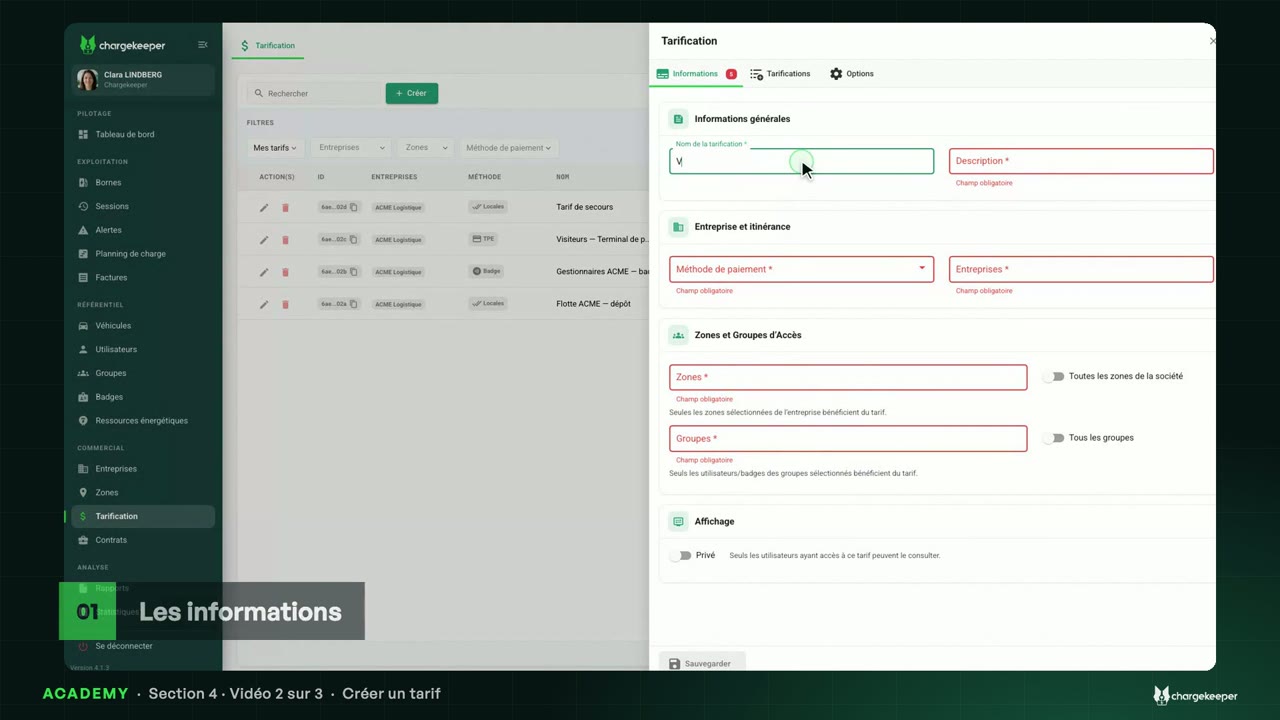
No tariff, no charge: who, where and through which payment channel, then the access simulator to check it.
Transcript Click a paragraph to play the video from there.
Introduction 0:06 Hello! This section is about tariffs. And first, the question asked most often: when a driver plugs in, which tariff applies? How it works 0:18 The basic rule: no applicable tariff, no charge. Even an activated badge is refused. 0:25 A tariff says who it is for: all groups, or only some. And where: all site areas, or just a few. 0:33 It also says which channel is used to pay: RFID badge, app, Scan and Pay or payment terminal. Each channel can have its own price. 0:43 Several tariffs match? The one most favourable to the driver applies: a free tariff first, otherwise the cheapest. And the fallback tariff only applies if no other one matches. ACME's tariffs 0:55 In “Pricing”, each row is a tariff: its payment method, its groups, its site areas and its prices. 1:03 At ACME: one tariff for the fleet, one for the managers and their badge, two for visitors, depending on whether they pay through the app or at the terminal, and a fallback tariff. The access simulator 1:15 To check, open a station, “Tariff and Access” tab. The access simulator first lists all the station's tariffs. 1:25 Let's pick Julie and her RFID badge. Two tariffs match her: the fleet's and the managers'. At the top, the cheapest: that is the one that applies. 1:38 The average price compares the tariffs on the same typical charge: 21 kilowatt-hours, 32 minutes of charging and 14 of parking. 1:48 With my own account, from the app: only the visitors' “App” tariff matches. 1:55 And this badge lent to a subcontractor, in no group? Only the fallback tariff covers it. Without it, the charge would be refused. Key takeaways 2:07 Remember: no applicable tariff, no charge. A tariff says who, where and through which channel, and the most favourable one applies. A station's access simulator shows it to you before the driver. 2:20 In the next video: creating a tariff.